

 About

THE ANSWER
URLs, plain text, phone numbers, email addresses, WiFi credentials (SSID and password), vCard contact details, and any text up to about 3 KB.
Your everyday toolkit
GeneratorsGenerate QR codes for URLs, text, phone numbers, email addresses, and WiFi credentials. Download as PNG. Customize size and error correction level.
A little less effort
Generate QR codes for URLs, text, and WiFi
Create a static QR image containing a link, text or a supported contact/Wi-Fi payload.
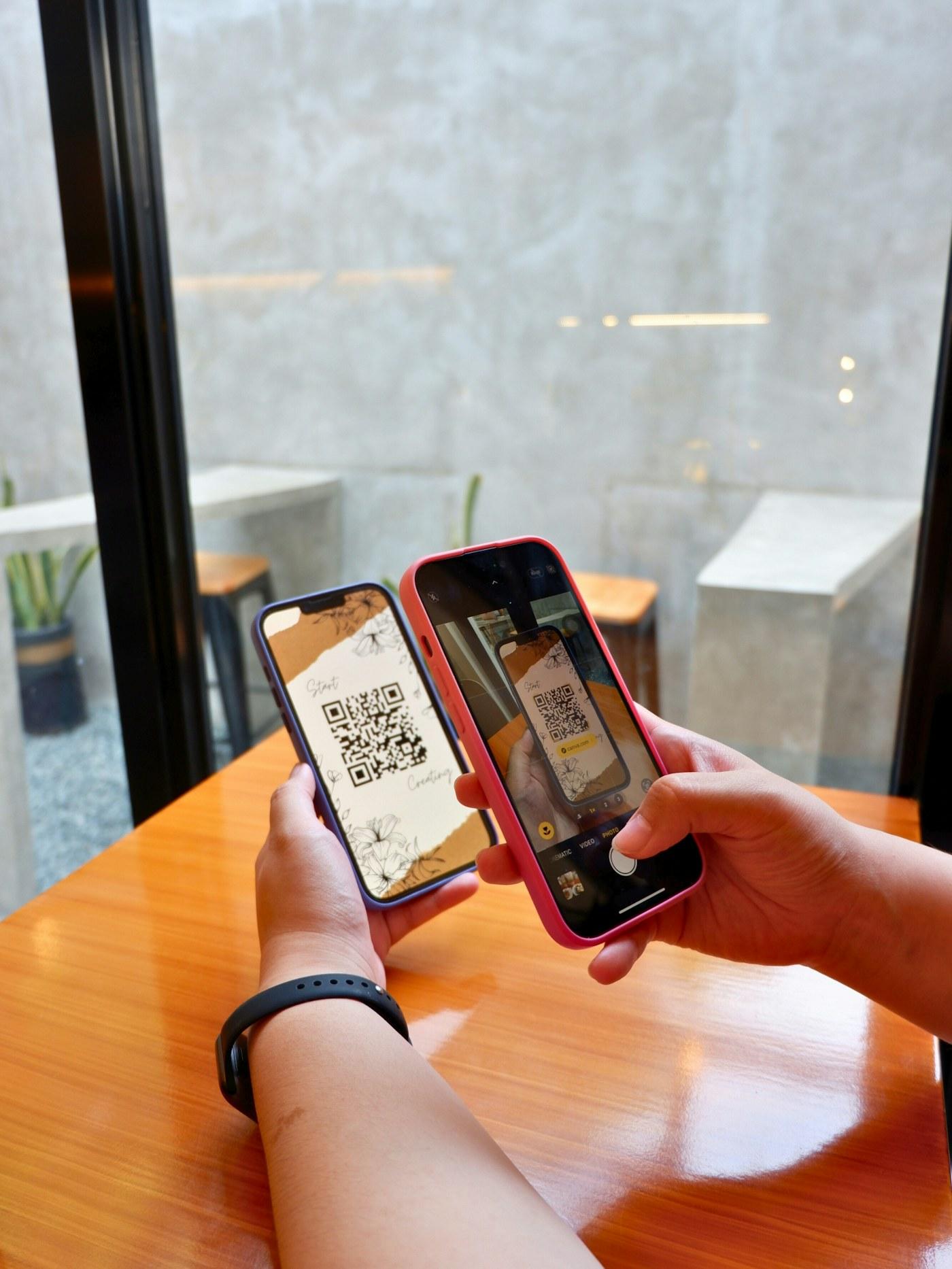
Generate a QR code for your own HTTPS URL, download it, and scan the image from another device before printing.
Anyone who sees a Wi-Fi or other QR code can read its encoded contents. This is not a dynamic redirect or scan-tracking service. Preserve clear margins and test the actual print size.
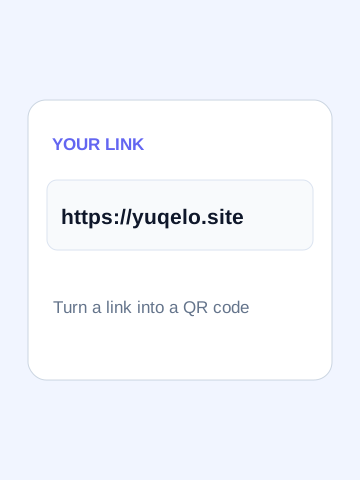 View largerStarting example
https://yuqelo.site
https://yuqelo.siteYOU’RE EXPLORING
The useful details, before you get started.
URLs, plain text, phone numbers, email addresses, WiFi credentials (SSID and password), vCard contact details, and any text up to about 3 KB.
Error correction allows QR codes to be scanned even if partially damaged or covered. L (7%), M (15%), Q (25%), and H (30%) — higher levels create denser patterns but remain readable even if a portion is obscured.
Yes. Download the PNG and scan it with your phone camera or any QR reader app. Test that the encoded URL or content resolves correctly before sharing.
This workspace exports PNG at the selected size (128–512 px). Choose a size suitable for the destination, preserve the white margin, and test the actual screen or printed code. Enlarging a PNG can blur its edges; SVG export is not provided.
The QR code encodes whatever text you type directly. Static QR codes like these cannot be edited after creation — if the URL changes, generate a new code.
No. QR codes are generated entirely in your browser using JavaScript. Your content is never uploaded or stored.
Choose any question to see the details.