

 About

THE ANSWER
Tesseract.js runs entirely in your browser using WASM. Expect 30–120 seconds per page depending on your device.
Your everyday toolkit
PDF ToolsExtract text from scanned PDFs or image-based PDFs using OCR (Optical Character Recognition). Uses Tesseract.js which runs entirely in your browser.
A little less effort
Extract text from scanned PDFs with OCR
Drop a scanned PDF to extract text
or click to browse · PDF only · English text
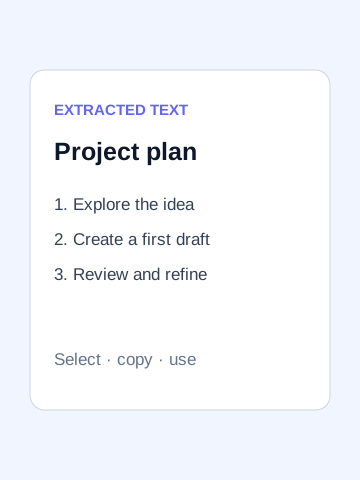
Recognize English text in scanned PDF pages locally for copying or exporting as plain text.
Try one clear, upright scanned page first. Compare names, dates and numbers with the image before processing a longer document.
Recognition is not exact and does not create a searchable PDF. The OCR runtime and English language data download when needed. Low-resolution scans, handwriting and other languages may perform poorly.
 View largerStarting example
A scanned document
Image of a pageYOU’RE EXPLORING
The useful details, before you get started.
Tesseract.js runs entirely in your browser using WASM. Expect 30–120 seconds per page depending on your device.
No. OCR runs entirely in your browser. Nothing is sent to a server.
This tool recognizes English text. Multi-language support would require loading additional Tesseract language packs.
OCR quality depends on image resolution and clarity. Very low-resolution or skewed scans will produce poor results.
Choose any question to see the details.