

 About
THE ANSWER
WebP supports transparency, but this tool converts to lossy WebP which may affect semi-transparent areas.
Your everyday toolkit
Image ToolsConvert PNG images to WebP format. Supports transparency. Compare output size and appearance with the original PNG.
A little less effort
Convert PNG images to WebP format
JPG, PNG or WebP input · up to 30 MB and 36 megapixels. Inspect the output before replacing your original.
Drop a PNG or click to browse
Convert a PNG to WebP for compatible web workflows while retaining supported transparency.
Try an illustration with transparent edges and compare the result over a colored background. Check the downloaded extension and size before updating a page.
The browser encoder controls output quality. Recheck small lettering and gradients. Keep the PNG if exact original pixel preservation or application compatibility is required.
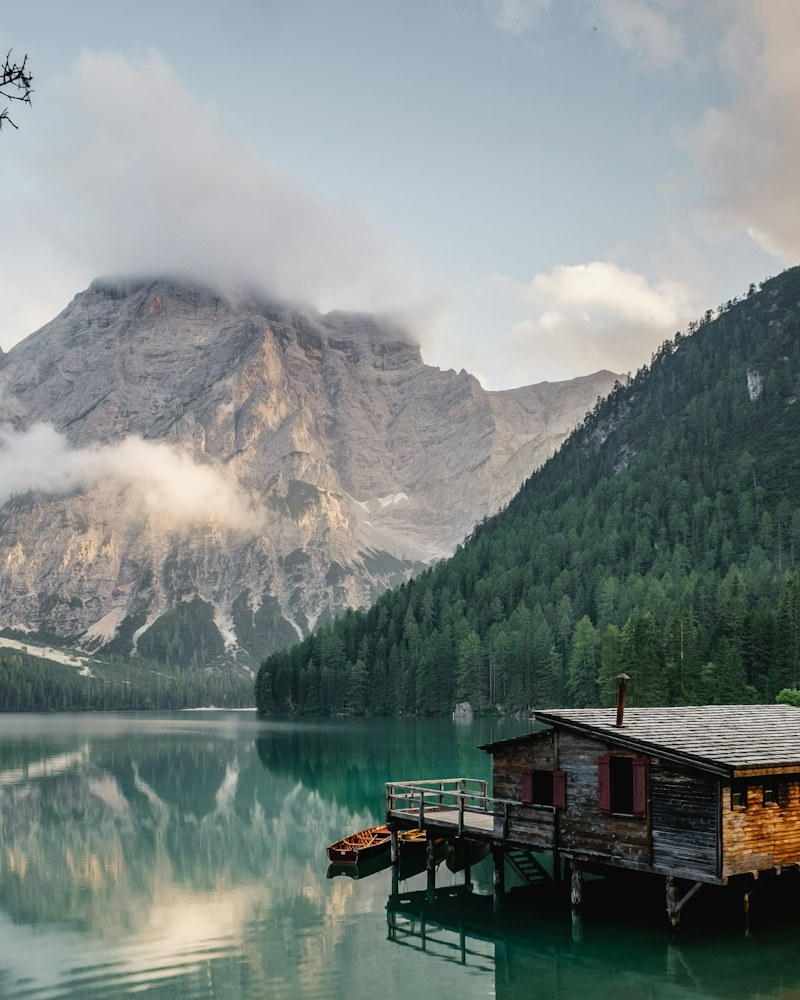 View largerStarting example
landscape.png
1.28 MBYOU’RE EXPLORING
The useful details, before you get started.
WebP supports transparency, but this tool converts to lossy WebP which may affect semi-transparent areas.
Savings depend on the source image and chosen quality. Some files become larger. Compare the actual output bytes and inspect transparency and small text.
Choose any question to see the details.